 SnapDosh
← Back to documentation
First Steps Guide 🏁
Welcome to SnapDosh! This guide will take you from opening the app to the moment you start earning your first Round XP and gift card balance.
1. Getting to Know the App (Onboarding)
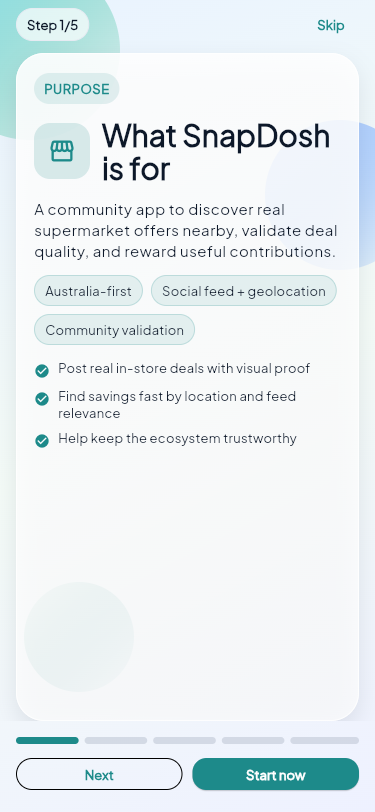
When you open SnapDosh for the first time, you'll go through our welcome screens. They quickly explain how rounds, XP, and gift card balance work.
2. Creating Your Account
To start earning rewards, you need to be logged in.
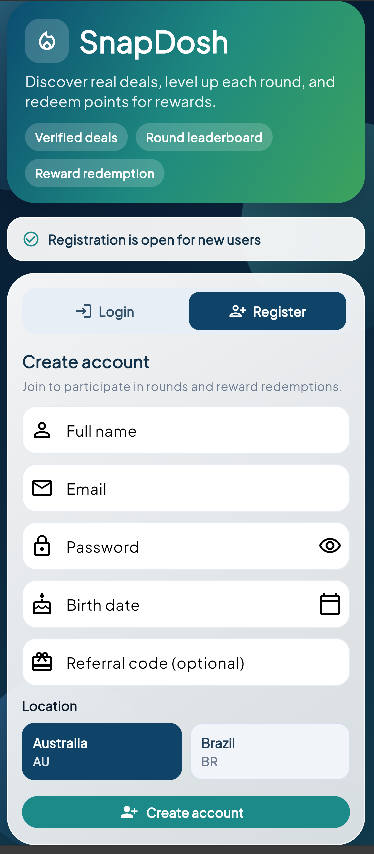
- Tap on Create Account.
- Fill in your details (Name, Email, and Date of Birth). Remember, you must be 18 or older!
- If you have a Referral Code from a friend, enter it now. The referral bonus is credited after your first valid deal.
3. Posting Your First Deal 📸
Now for the fun part! Spotted an unmissable promotion at the store?
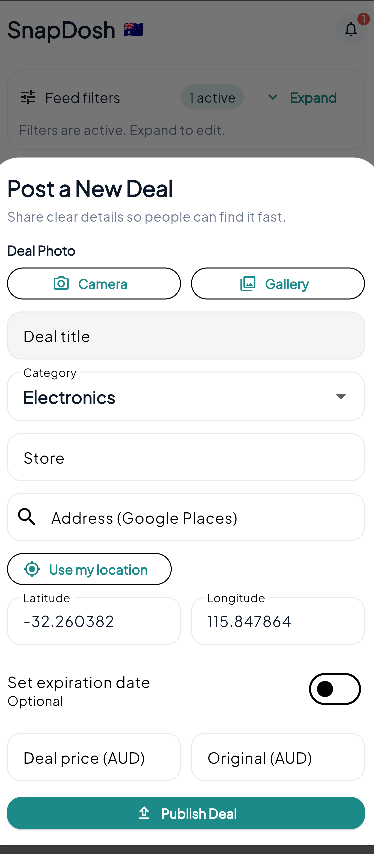
- On the main screen, tap the "+" (Post) button in the center of the bottom bar.
- Take a clear photo of the product and the price on the shelf.
- Enter the product name, price, and store (we help you find the location via GPS).
- Click Publish.
Congratulations! A valid post earns the current deal reward. The launch baseline is +100 Round XP and +200 gift card balance, before any dynamic multiplier.
4. Next Steps
- Explore the Feed: See what people are posting near you.
- Give a Like: Like the deals you found useful (this can give XP and balance to the poster!).
- Be a Scout: If you find a deal that has already ended, use the "Flag" button.
Ready to learn more? Understand how Rounds work